
In this article, we explain how to create an account with Coinsnap, how to connect your website or webshop to Coinsnap and how to find all relevant data in the Coinsnap backend.
Registration and login
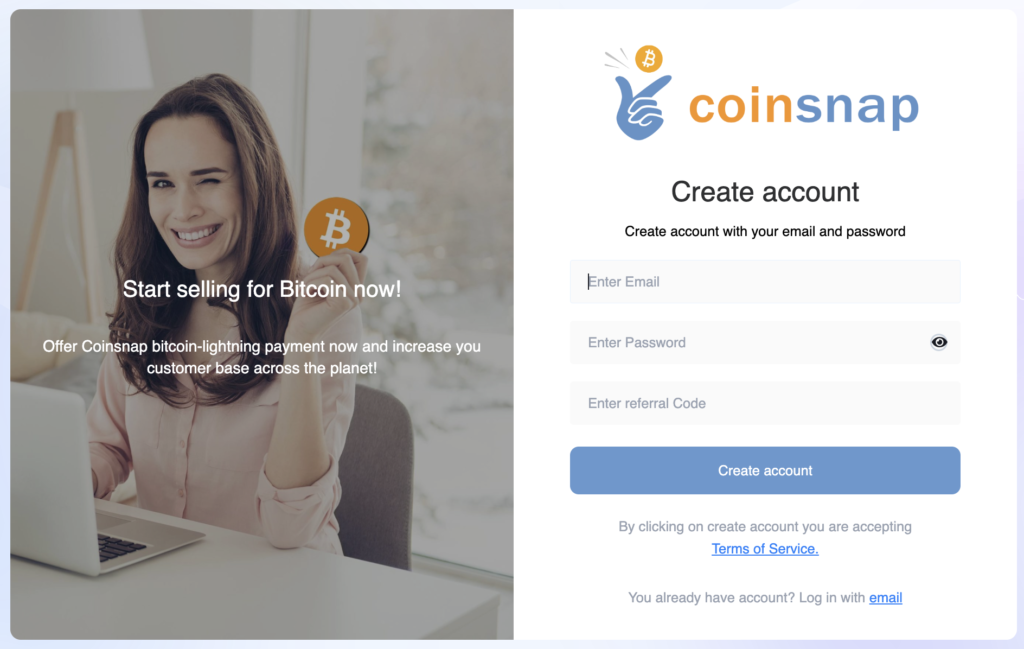
You can log in to Coinsnap with your e-mail address and password, as you are used to from other websites. Your password must be at least 8 characters long, contain at least one digit and consist of a combination of upper and lower case letters.
If you have received a Coinsnap discount code, you can enter it here.
As soon as you have registered with an e-mail address, you will receive a confirmation e-mail. The e-mail address must be confirmed in the confirmation e-mail by clicking on the confirmation link.
After verifying your e-mail address, log in to the Coinsnap backend with your access data.
Store a website
As soon as you have registered with Coinsnap, you can enter your website and your Lightning address.
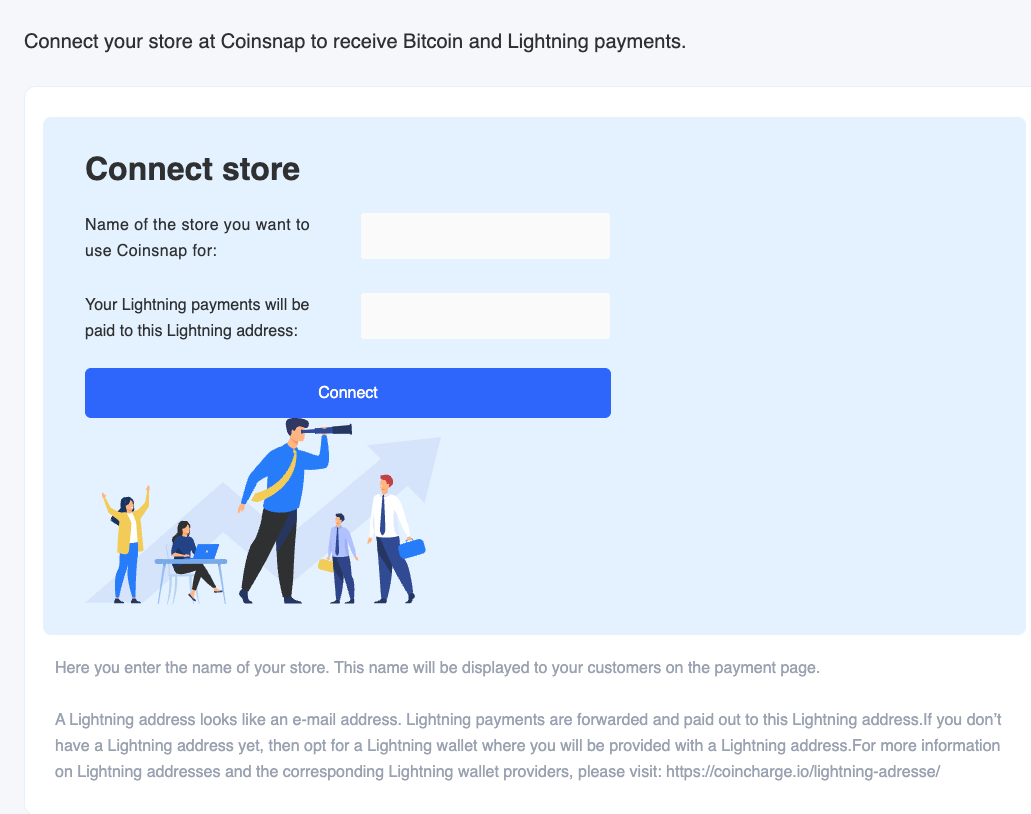
Here you will find the setting options for the individual input fields:
(1) Name of your website
Enter the name of your company or website here. This name is displayed to customers on the payment page.
(2) Lightning Address
Then enter the Lightning address, which is similar to an e-mail address. A Lightning address looks like an email address, but instead of messages, you can use it to send and receive Bitcoin and Lightning payments.
Your customers’ Bitcoin and Lightning payments are forwarded to this Lightning address and credited to your Lightning wallet. If you don’t have a Lightning address yet, choose a Lightning wallet that provides you with a Lightning address.
Lightning Address
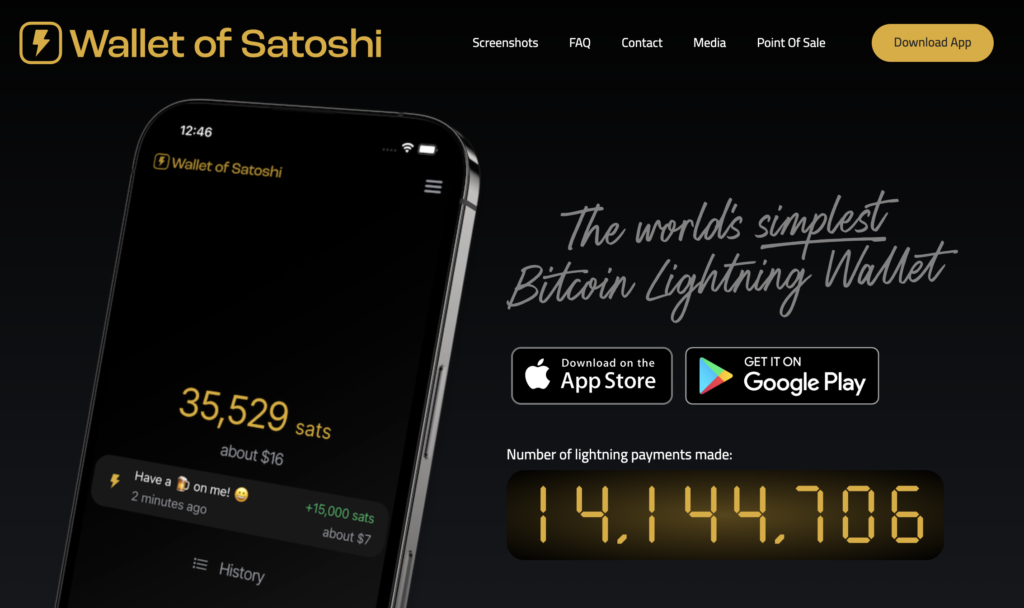
If you don’t have a Lightning address yet. We have created an overview that lists all Lightning wallets where you can get a Lightning address. Using the example of the Lightning Wallet from Wallet of Satoshi, we will show you how to obtain a Wallet of Satoshi Lightning Wallet with a Lightning address.
You have two options for obtaining the Wallet of Satoshi.
Either you go to the website https://www.walletofsatoshi.com/ and there you will find the two download options for the App Store or Google Play.
Or you can go directly to the store on your smartphone and search for the Wallet of Satoshi.
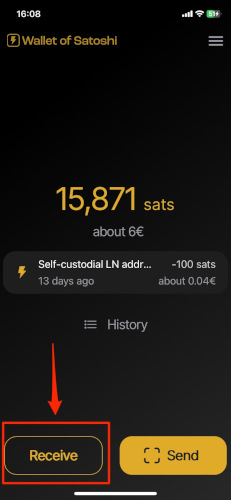
After you have started the Wallet of Satoshi on your smartphone, you will see a Receive button at the bottom left. Click on it.
The adjacent window opens. Below the QR code you will find the Lightning address, which looks like an e-mail address.
The Lightning address is made up of the user name you have chosen before the @ sign, followed by walletofsatoshi.com
This is your Lightning address, which you can give to anyone you want to receive sats from.
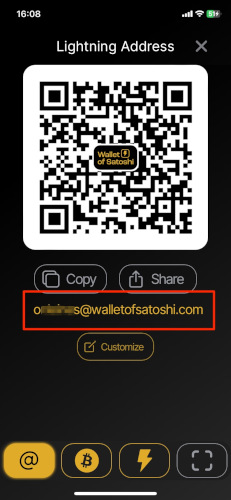
Every time a customer pays you with Bitcoin and Lightning, the amount is forwarded to this Lightning address at Wallet of Satoshi and credited there.
Coinsnap Payment Plugin and API
Coinsnap provides Payment Plugins for the most common store systems for quick and easy technical integration. These Payment Plugins establish a connection between the online store or website and Coinsnap.
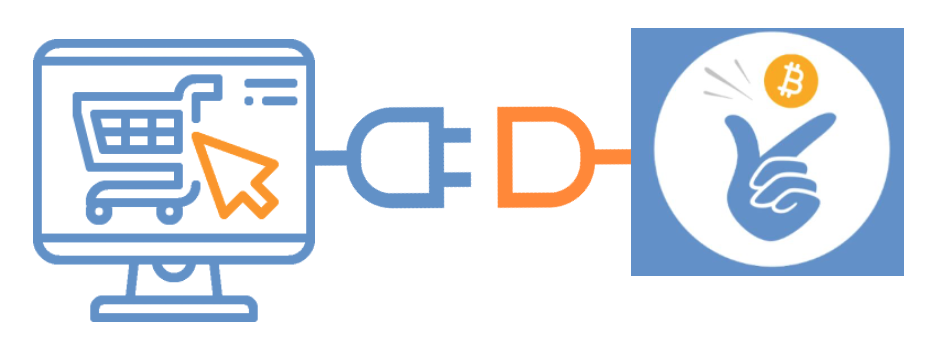
You can download these plugins, install them yourself in a few steps without any technical knowledge and thus integrate Bitcoin and Lightning payment processing into your website.
Coinsnap offers extensive Payment Plugins for easy connection to the most common store systems such as
- WooCommerce
- Shopware
- Shopify
- Gambio
- Prestashop
- Magento
- Wix
- Opencart
- Further Payment Plugins are being developed on an ongoing basis.
Here you can find more information about the Coinsnap Payment Plugins on offer.


Anyone using a self-developed or customized eCommerce solution for which Coinsnap does not provide a payment module can use an API connection.
Coinsnap offers documentation of the API connection and a PHP library on GitHub.
Coinsnap Backend
You have now successfully created a Coinsnap account and met all the requirements for using Coinsnap by entering a Lightning address.
In the Coinsnap backend you will find further setting options for Coinsnap and all information on transactions and settlements.
You can find a detailed description of the Coinsnap backend here.